
Making brand guidelines has never been easier.
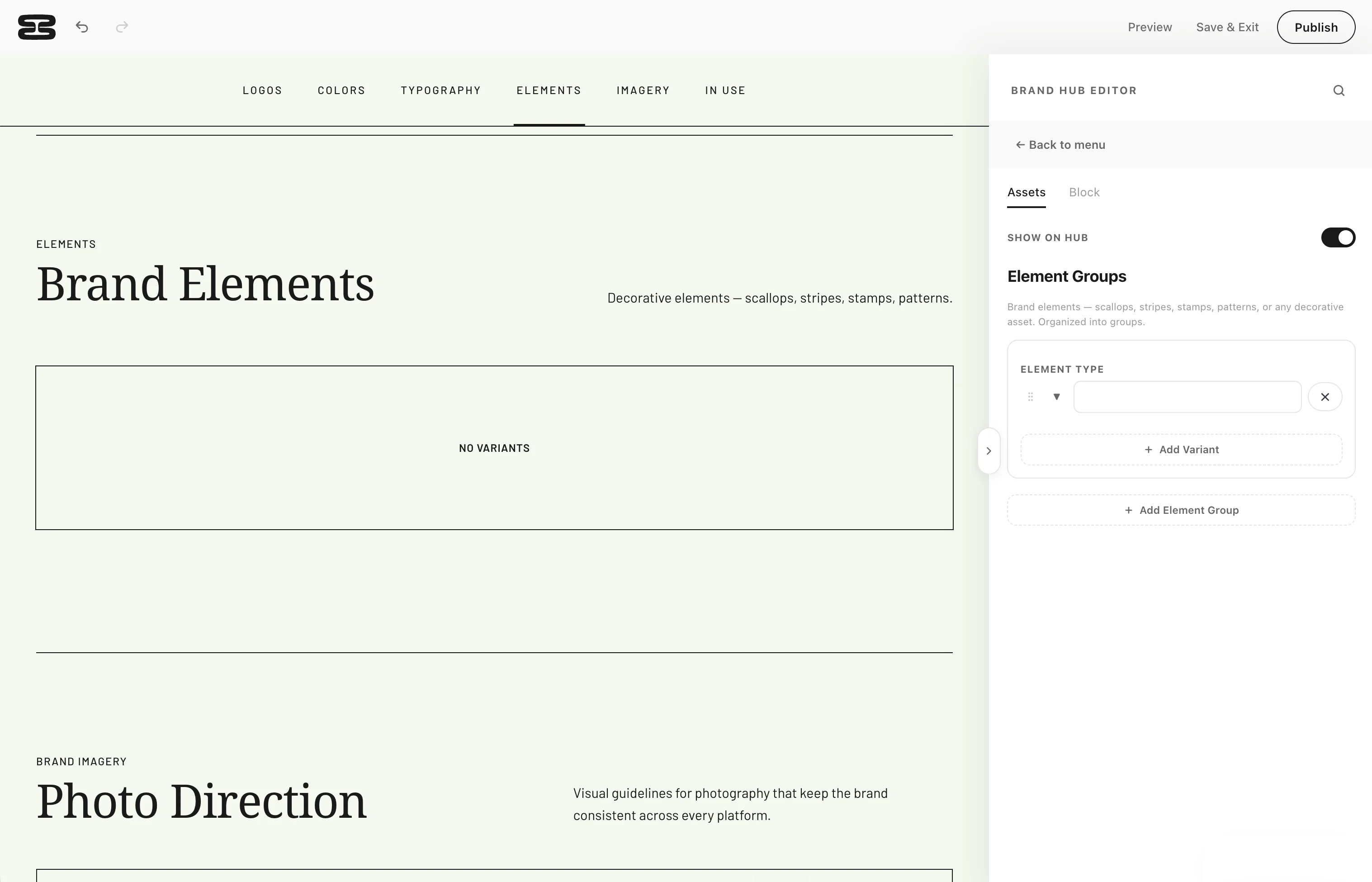
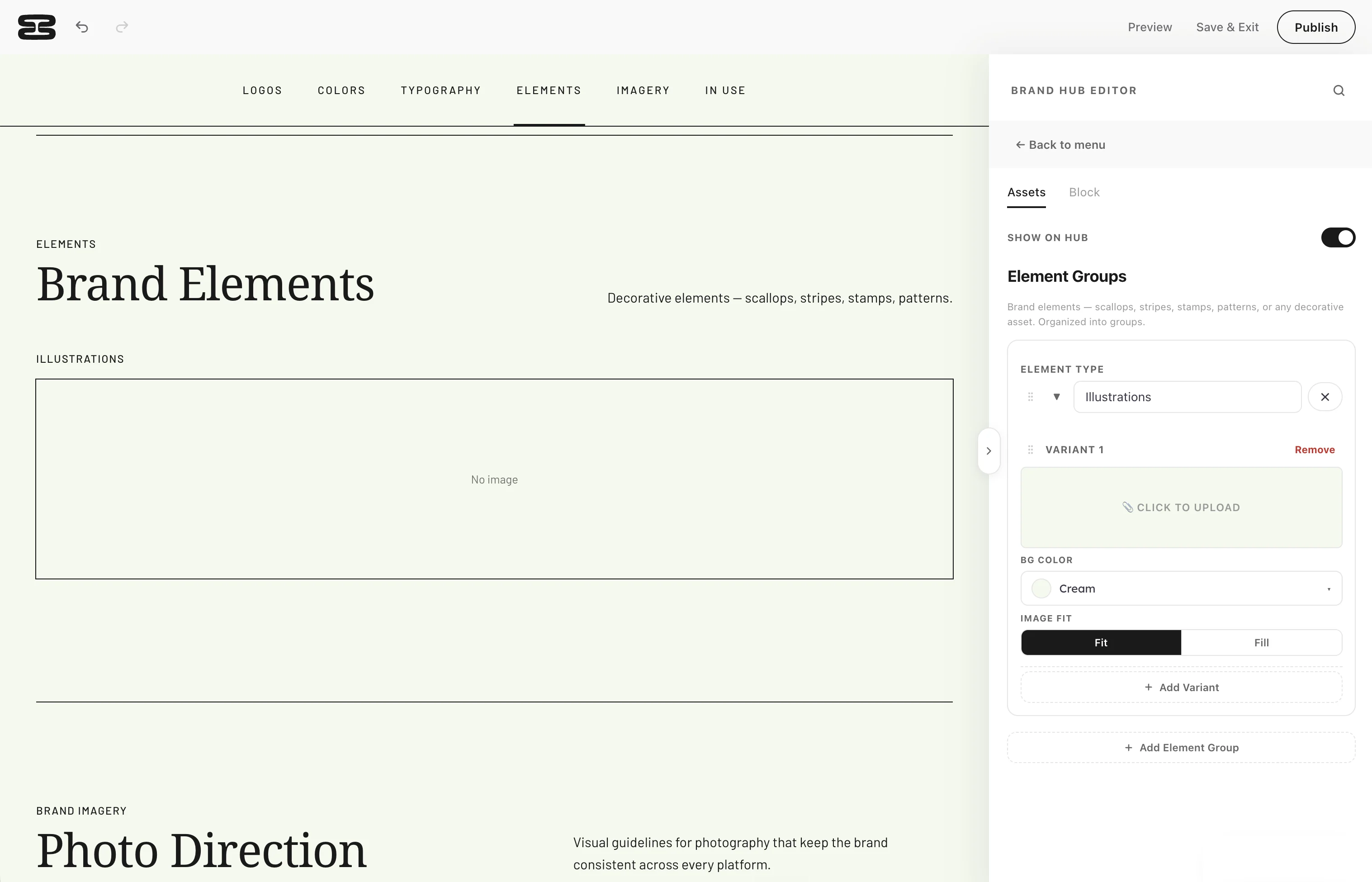
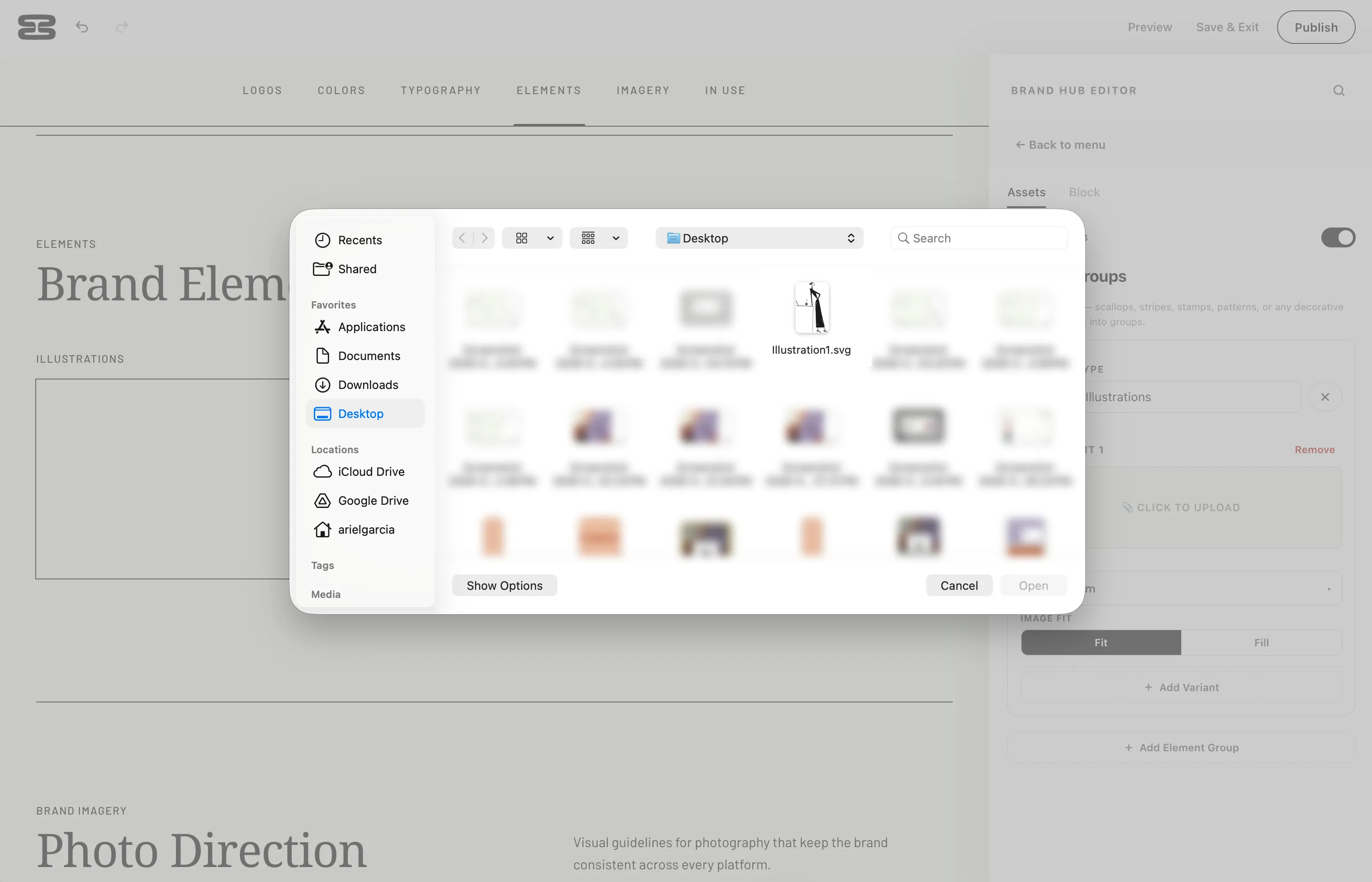
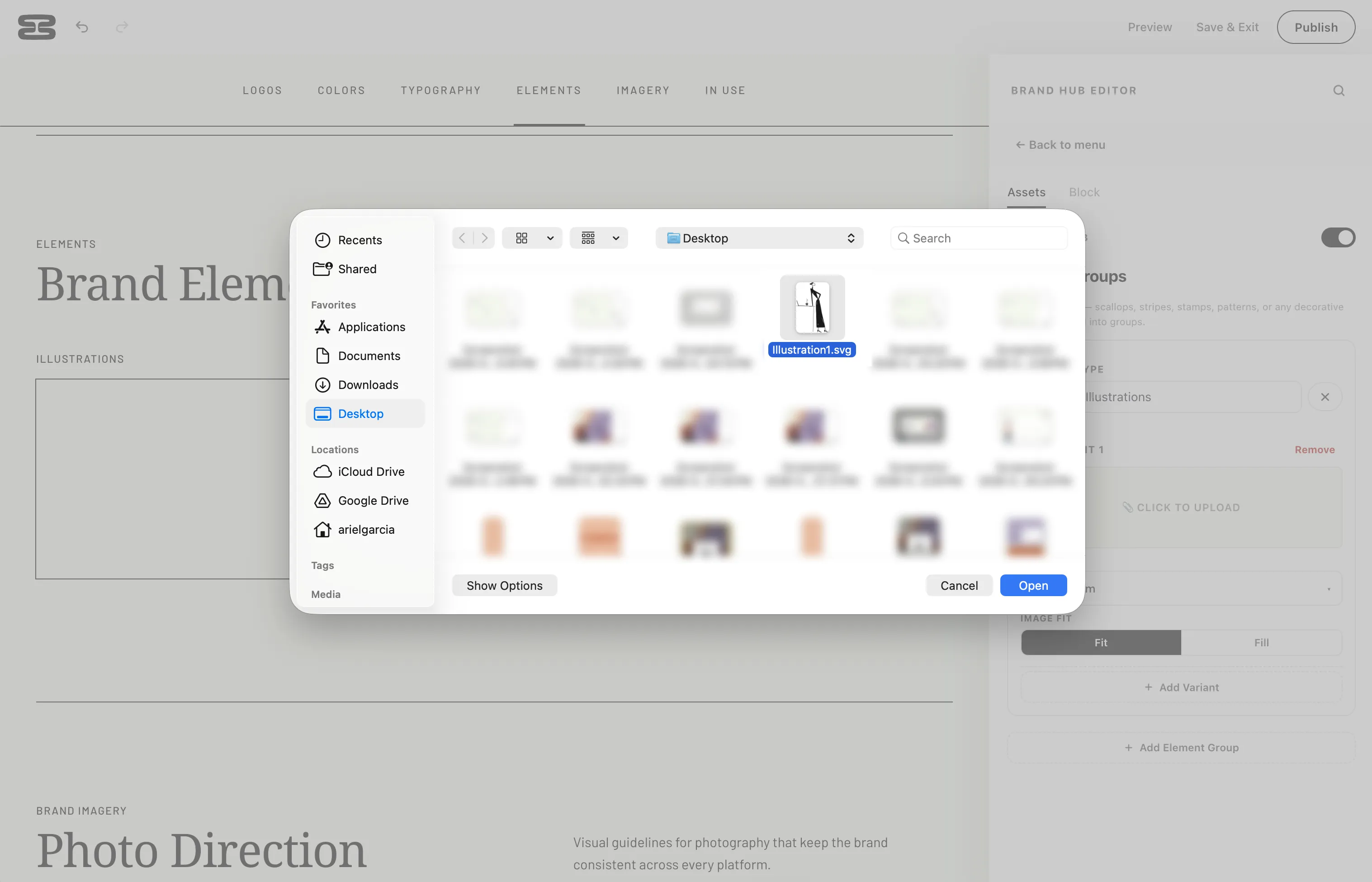
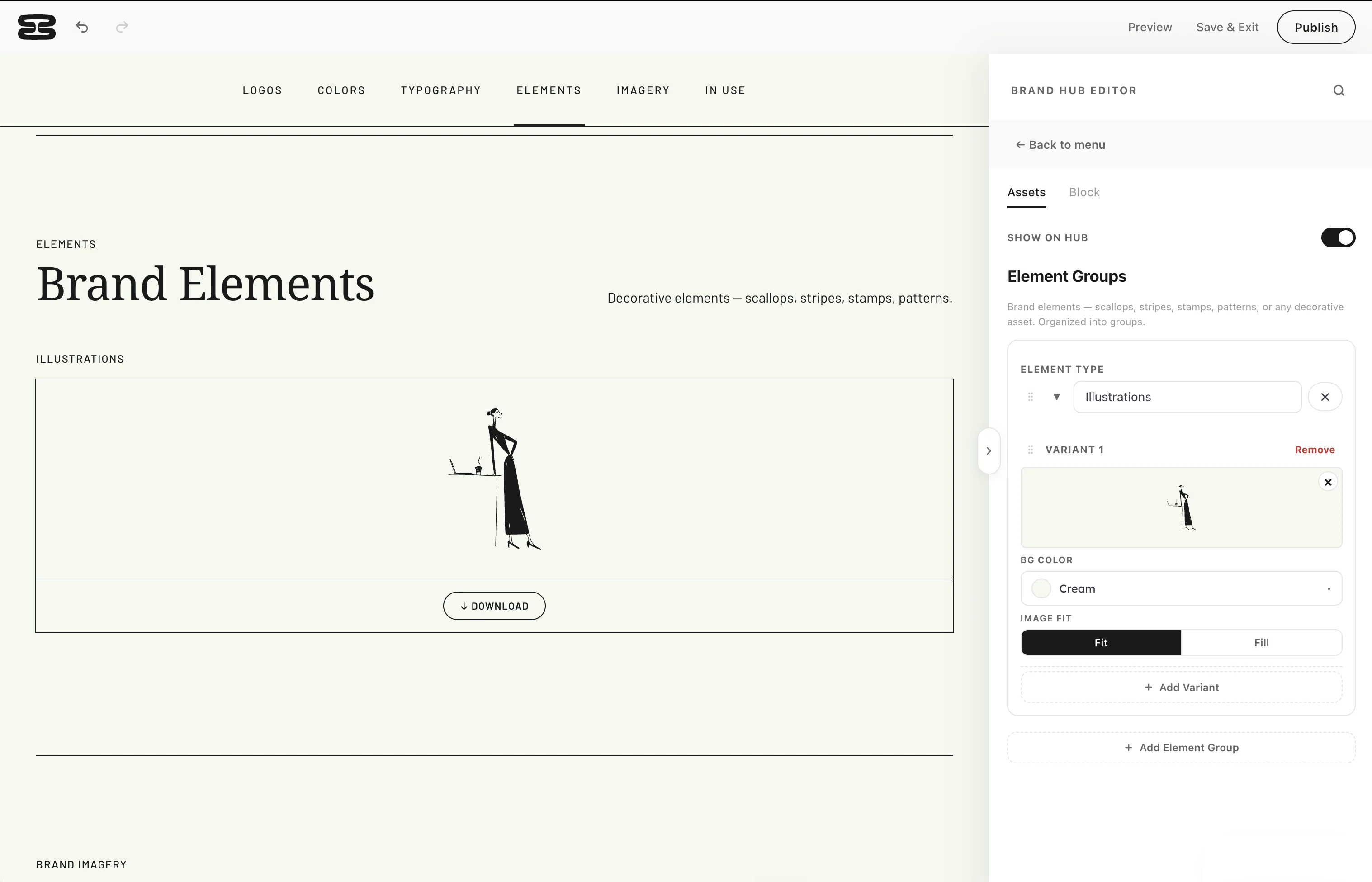
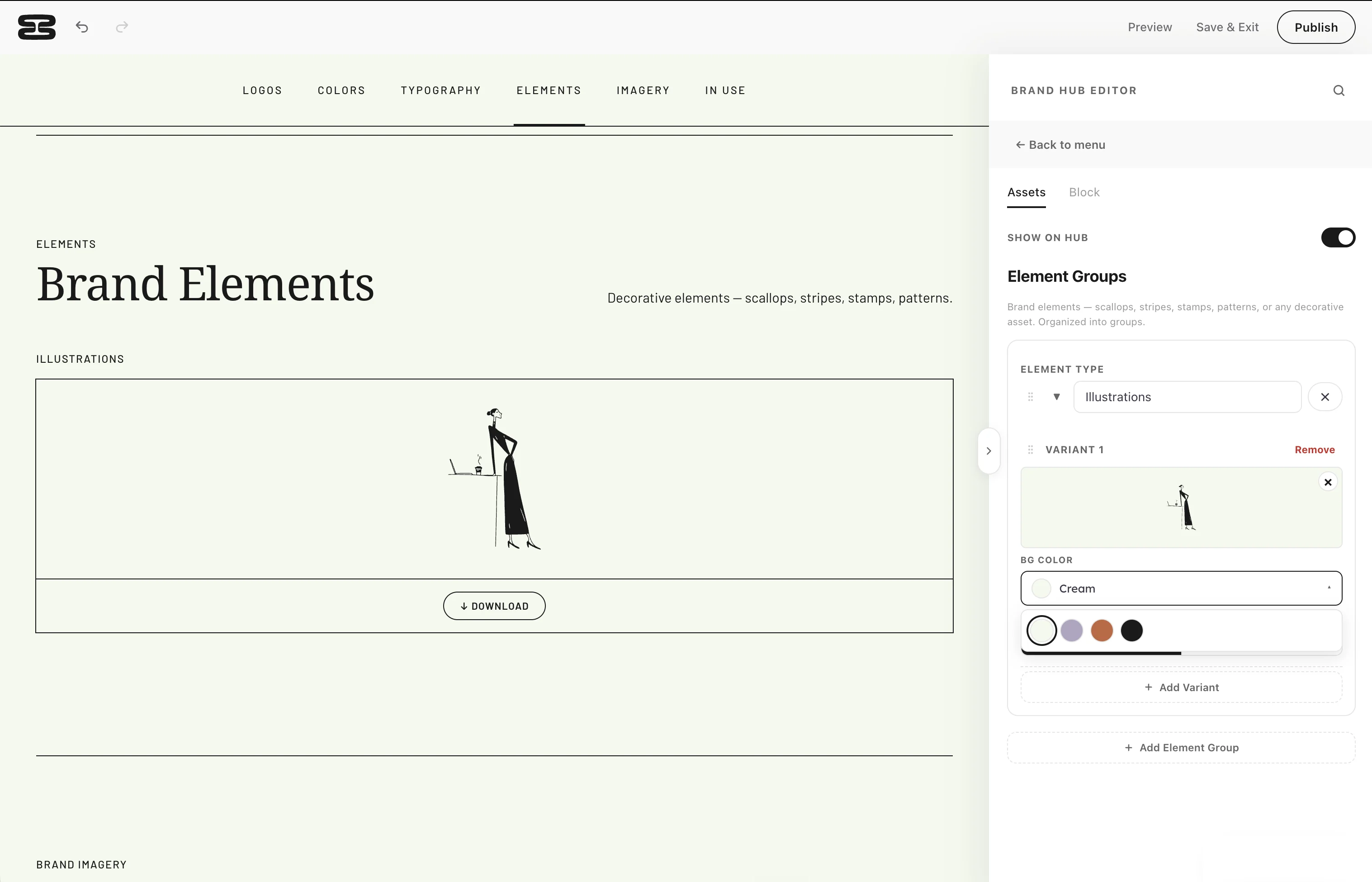


Three steps, start to published
-
01
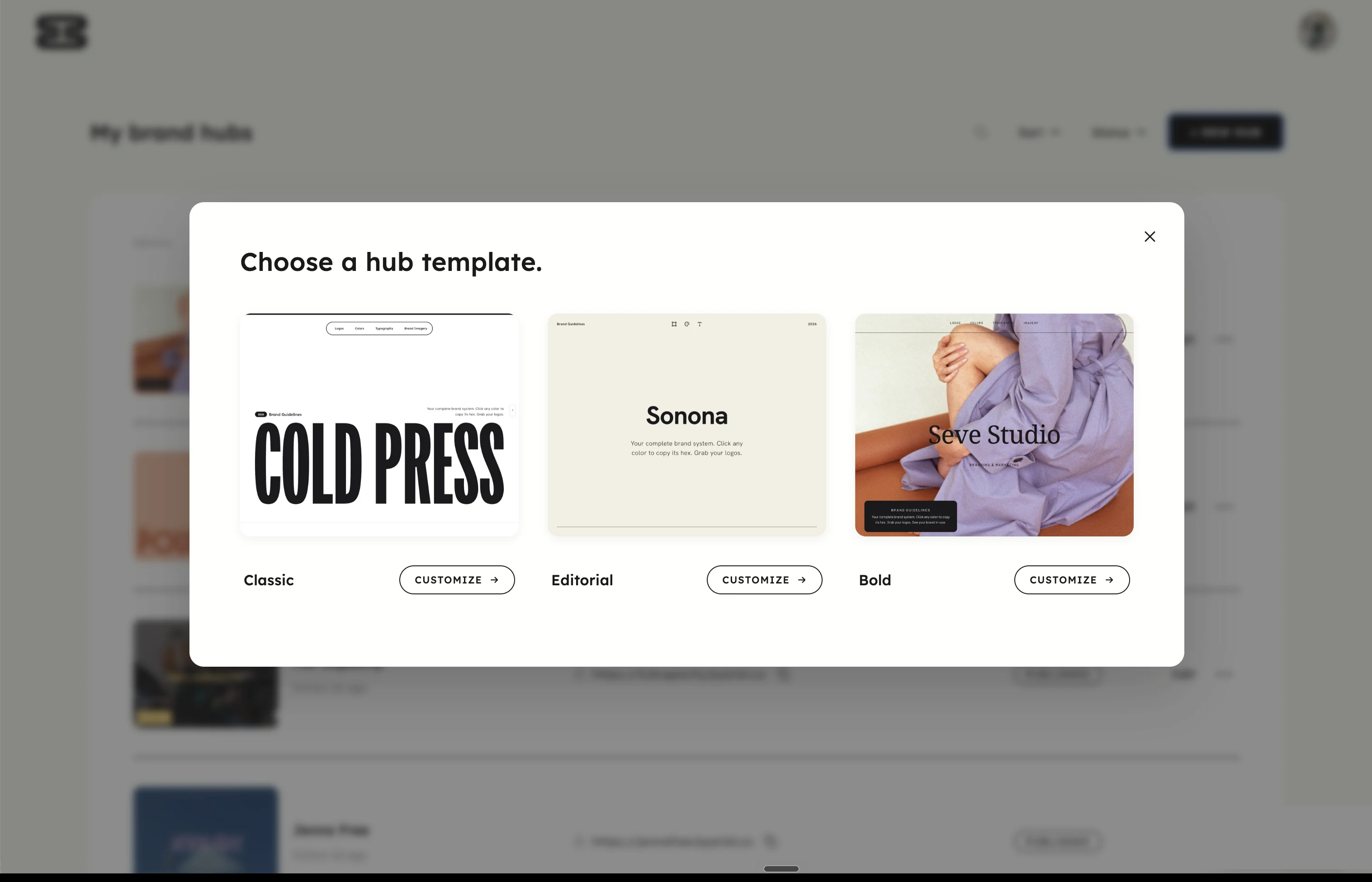
Choose a studio-grade template
Nothing to build from scratch. Our pre-designed templates include every section you need for an industry-leading brand hub.
-
02
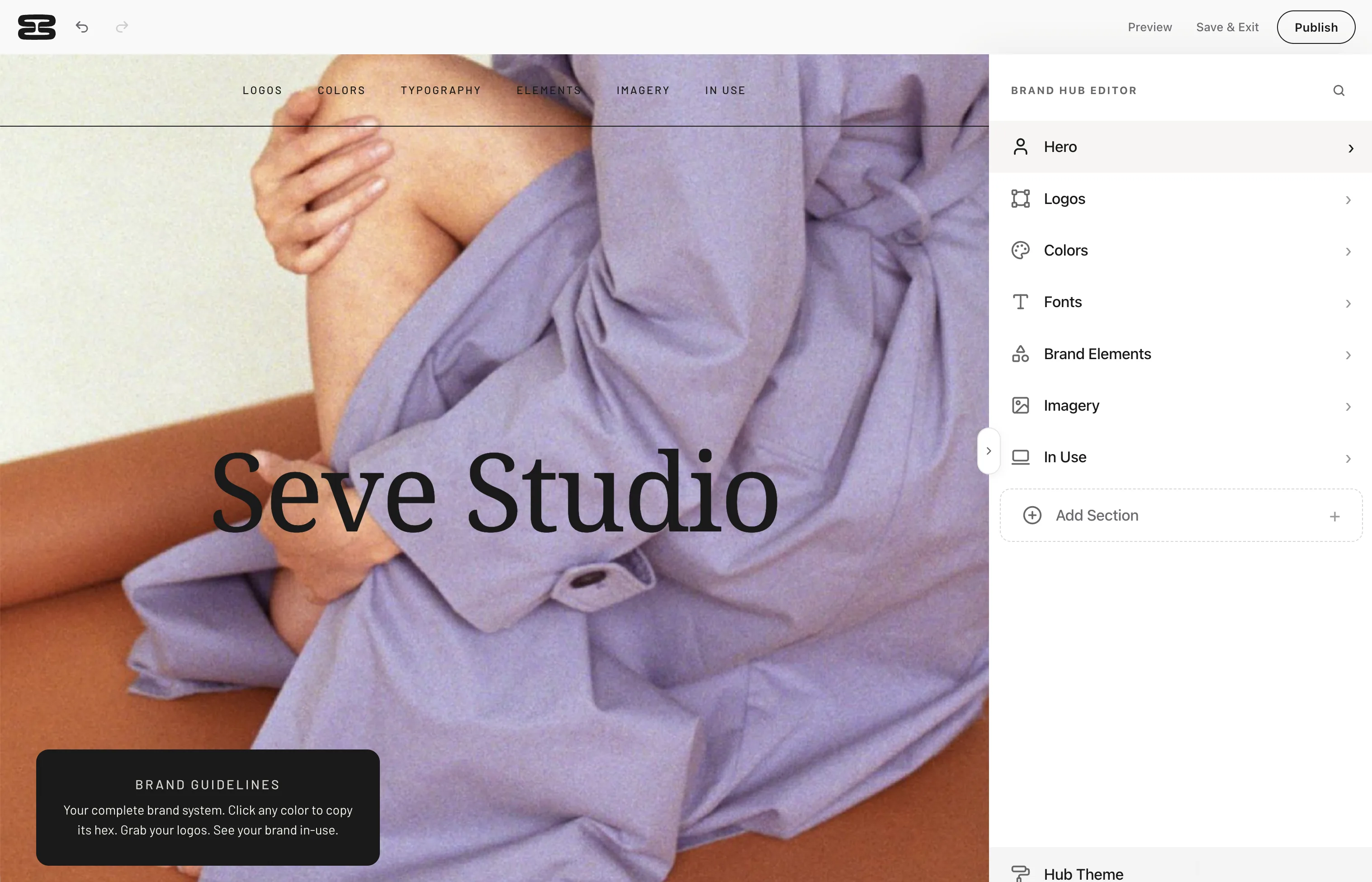
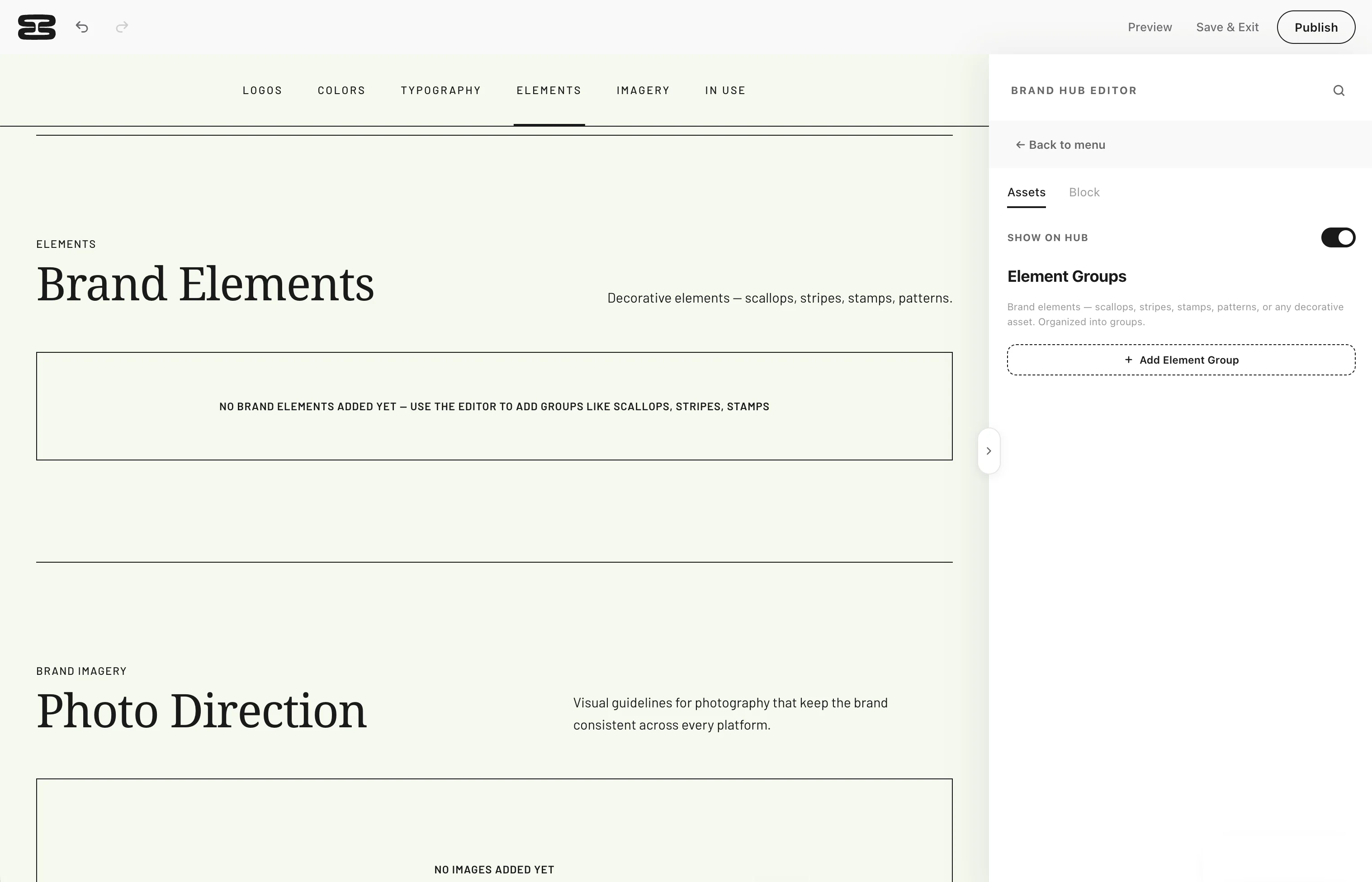
Input your client's branding
Fill in each section with your client's colors, fonts, logos and assets. Toggle sections on and off, reorder them, or add your own.
-
03
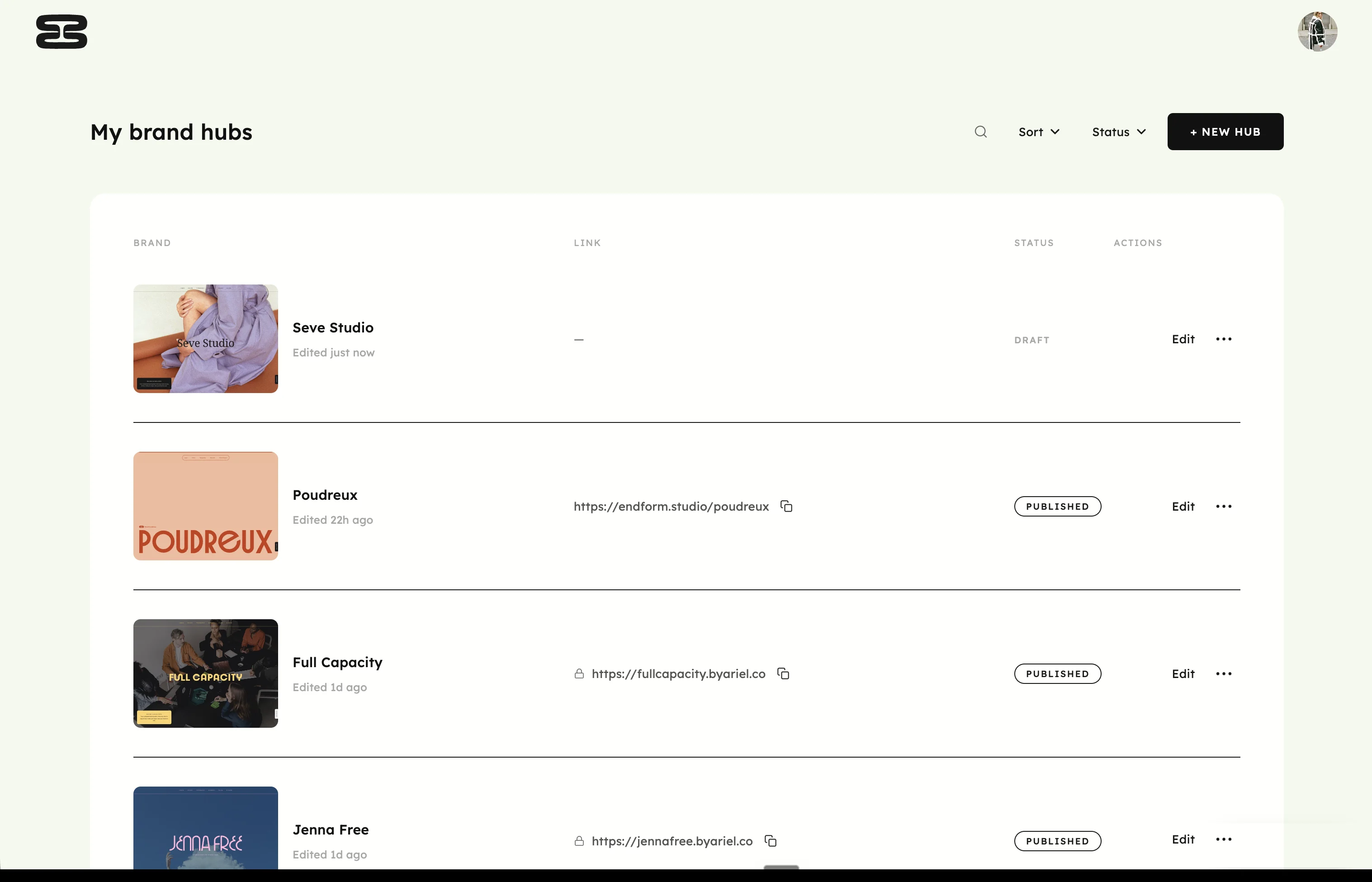
Publish to a branded URL
Publish your client's brand hub to a secure, live URL that can be accessed by anyone from anywhere on any device.
FAQs
Does my client need an account?
Nope. Brand hubs are just a URL link. No account is needed to access a published hub and your clients are never a billable seat on your plan.
How is this different from the PDF guidelines I send my client?
A PDF is a static file, so it stops changing the moment you send it and it lives wherever your client saved it. A brand hub is an interactive, web-based link. Clients can one-click copy/paste color codes, download logos & assets, find their fonts and see their brand in use, all from one central place.
You can go back and update brand hubs after they've been published if anything changes about your client's branding. They'll see all published updates from the same live link.
Does Endform export a PDF?
Nope, Endform replaces the need for one. Endform is meant to be a web-based, interactive alternative to traditional PDF brand guidelines.
Can I keep my clients' brand hubs private?
Yes. You'll be able to password protect your live hubs if you don't want them viewable to anyone.
Can I publish brand hubs to my own domain?
Yes, if you're on a Pro plan, you'll be able to connect your brand hubs to your own custom subdomain.
Can I put my own studio branding on my brand hubs?
Every hub carries a studio credit at the bottom with your logo, your name, your role and a link to your site that you can switch on or off any time.
How long does it take to create a brand hub?
On average, it takes users about 30 minutes to make a hub, start to finish.
Can I update a client's brand hub and guidelines after the client already has the link?
Yes. You can edit brand hubs at any time. Your client will always see the most recently published version. No new file to send and no wondering which version they're using.
How many brand hubs can I publish?
One on the Starter plan. Unlimited on the Pro plan.
What happens to my brand hubs if I cancel my subscription?
Nothing is deleted. Your hubs go offline while your subscription is paused, but every hub stays in your account exactly as you left it, and resuming your subscription republishes them automatically.